---
## ✨ Overview
MediaStationGo is an open-source media center for personal libraries, family NAS setups, and home-theater enthusiasts. It combines library management, metadata scraping, web playback, third-party client compatibility, PT site search, subscription-based downloads, and AI-assisted recommendations into one lightweight Go service with a polished React interface.
It is designed for users who want to:
- Manage movies, TV shows, anime, variety shows, adult content, and music from one place.
- Prefer local NFO/images first, then enrich missing metadata from TMDb, Douban, Bangumi, TheTVDB, Fanart, JavBus, and JavDB.
- Search PT sites, subscribe to resources, enqueue downloads, and organize completed files from one panel.
- Connect external clients such as Infuse, VidHub, SenPlayer, and other Emby/Jellyfin-compatible apps.
- Deploy easily on NAS, Windows, Linux, macOS, or Docker without leaking private tracker tokens to the frontend.
> The project is under active development. For production use, pin a release image tag and back up `/data` regularly.
---
## 🌱 Open Source Promise
MediaStationGo follows a fully open-source path. The core media library, metadata scraping, playback, subscriptions, downloads, external-client compatibility, and operations features are developed in this repository. The project learns from excellent open-source projects such as MoviePilot in areas like site aggregation, subscription downloads, post-download organization, and Emby/Jellyfin client compatibility, while keeping MediaStationGo as an independent implementation and avoiding incompatible code reuse.
The current base license is `GPL-3.0`, and contributions are welcome under that license: site adapters, scraping rules, UI improvements, documentation, and bug fixes all help the project grow. The maintainers also state the intended usage boundary: MediaStationGo is provided for personal learning, home NAS, self-hosted media, and non-commercial scenarios. Without explicit written permission from the author, do not use this project or derivative versions for commercial resale, paid hosting, paid SaaS, pre-installed commercial devices, closed-source redistribution, or other profit-oriented commercial use.
> Note: GPL-3.0 is a free software license, and the formal grant is defined by the repository [LICENSE](LICENSE) file. The non-commercial commitment above expresses the maintainer's intended usage boundary and commercial cooperation requirements. For commercial cooperation, enterprise deployment, or redistribution, contact the author for additional authorization first.
---
## 🚀 Live Demo
- Demo: [https://mgo.3jzs.com](https://mgo.3jzs.com)
- Username: `admin`
- Password: `admin123`
> The demo is for feature preview only. Do not store private API keys, tracker tokens, or personal media information there.
---
## 🧭 Feature Overview
| Area | Capabilities |
| --- | --- |
| Libraries | Movies, TV, anime, variety, music, adult content; folder covers, series, seasons, and episodes |
| Scanning | Recursive scanning, ffprobe probing, filename parsing, season/episode recognition, duplicate prevention |
| Local metadata | NFO, poster, fanart, season poster, episode image, local adult artwork first |
| Online metadata | TMDb, TheTVDB, Bangumi, Douban, Fanart.tv, JavBus/JavDB page scraping |
| Playback | Direct streaming, HTTP Range seeking, HLS transcoding, external subtitles, progress, resume, external players |
| Discovery | TMDb / Douban / Bangumi recommendation rails and subscription entry points |
| PT sites | Site management, M-Team API token, cross-site search, download URL resolution |
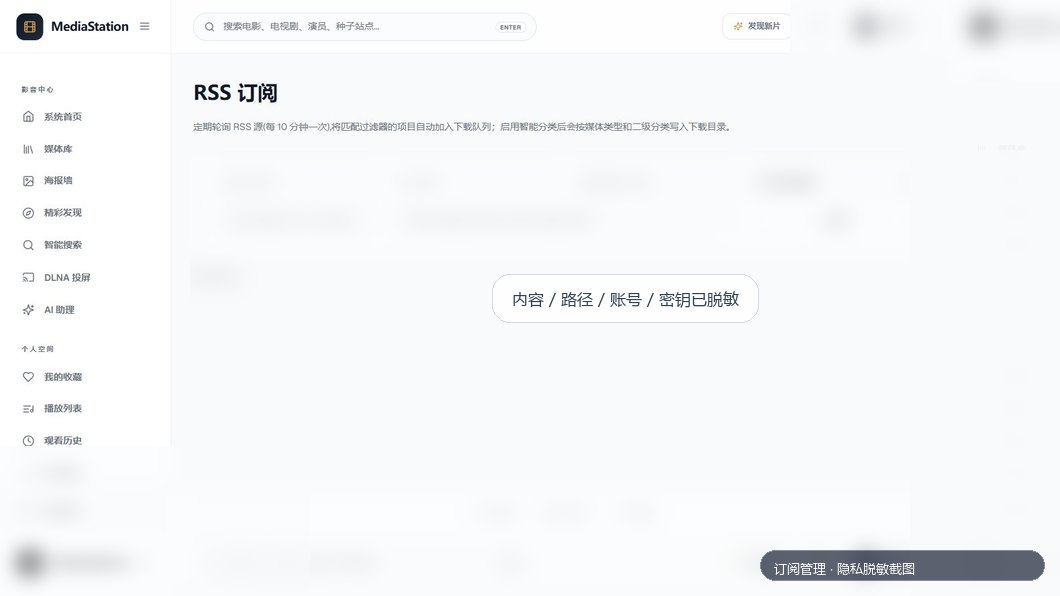
| Subscriptions | RSS/search subscriptions, resolution/quality/effects/release-group rules, wash toggle and priorities |
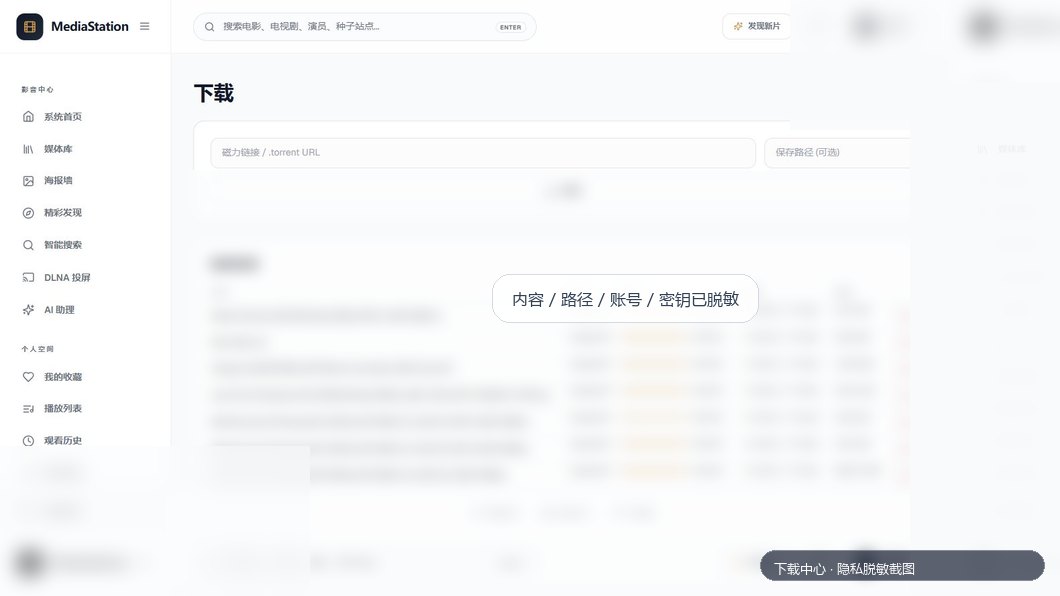
| Downloads | qBittorrent task cards, status, speed, progress, uploaded/downloaded size, private URL redaction |
| Compatibility | Emby-style APIs for Infuse, VidHub, SenPlayer, and similar clients |
| Operations | Runtime status, task queue, duplicate files, recycle bin, file manager, storage settings, notifications |
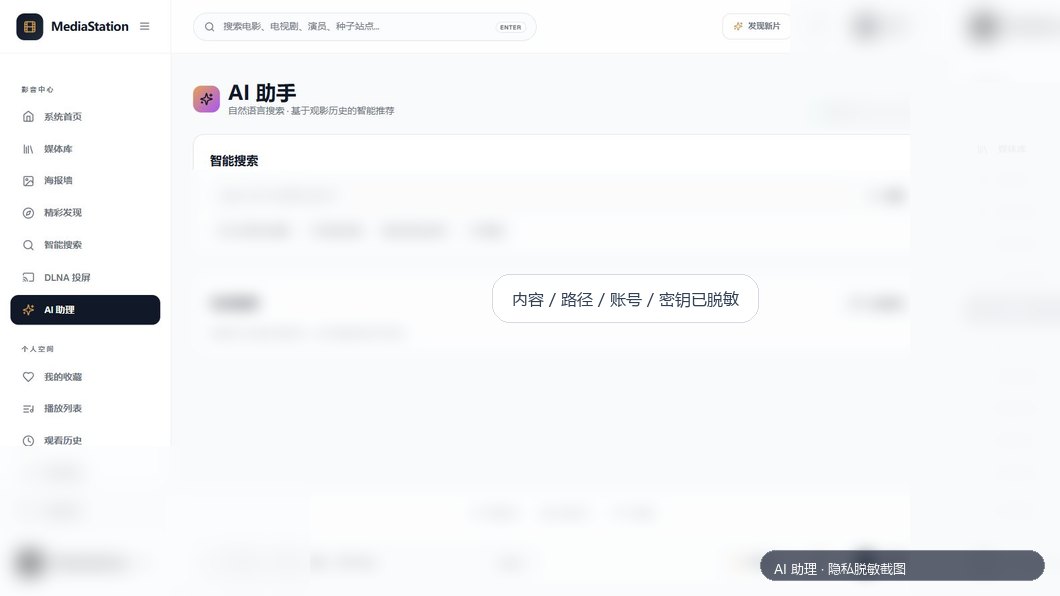
| AI | OpenAI-compatible API settings, AI search, recommendations, and operations assistant |
---
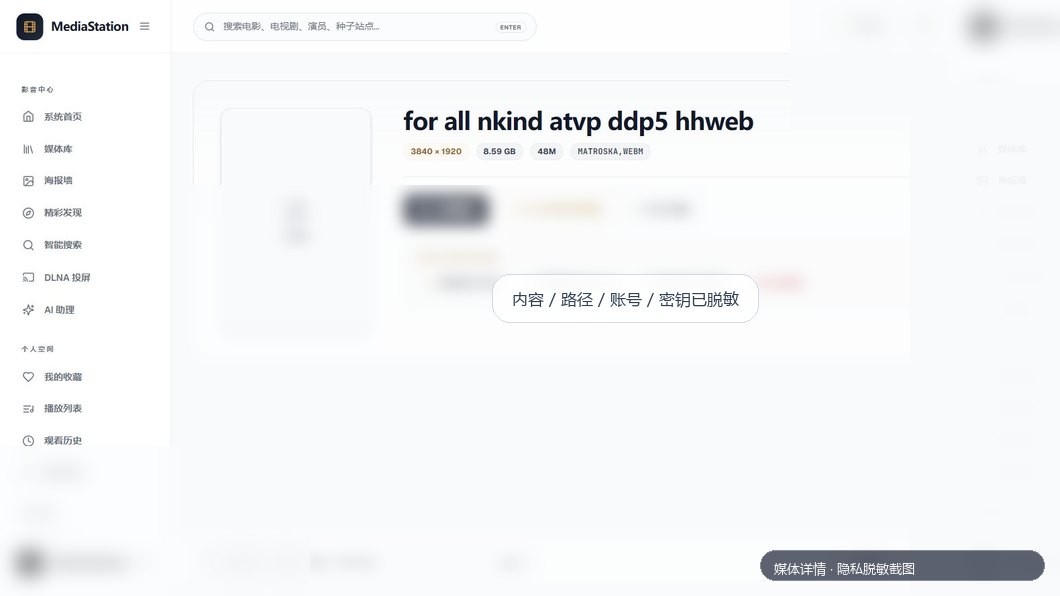
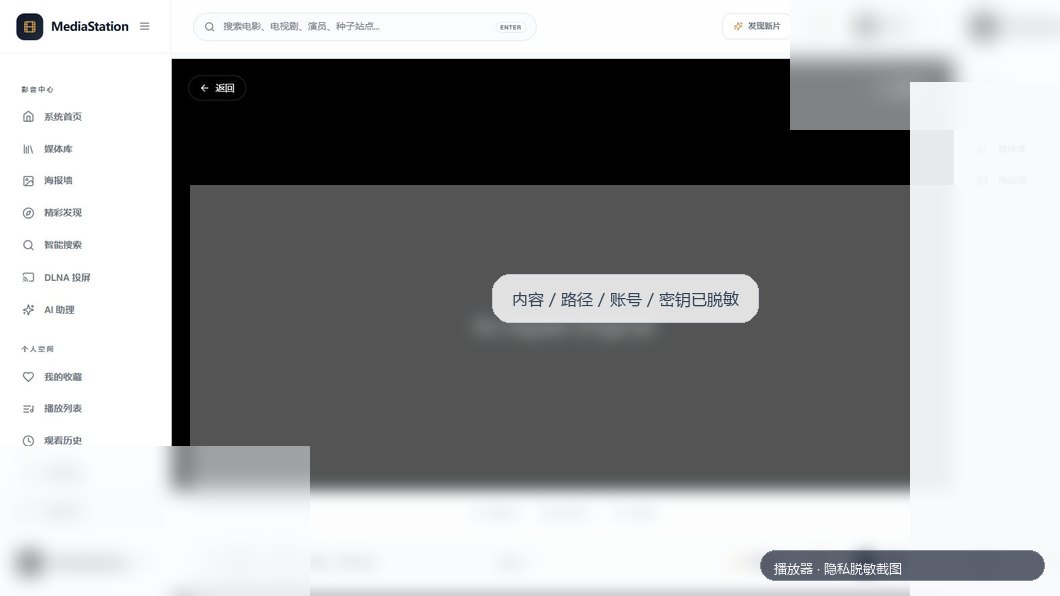
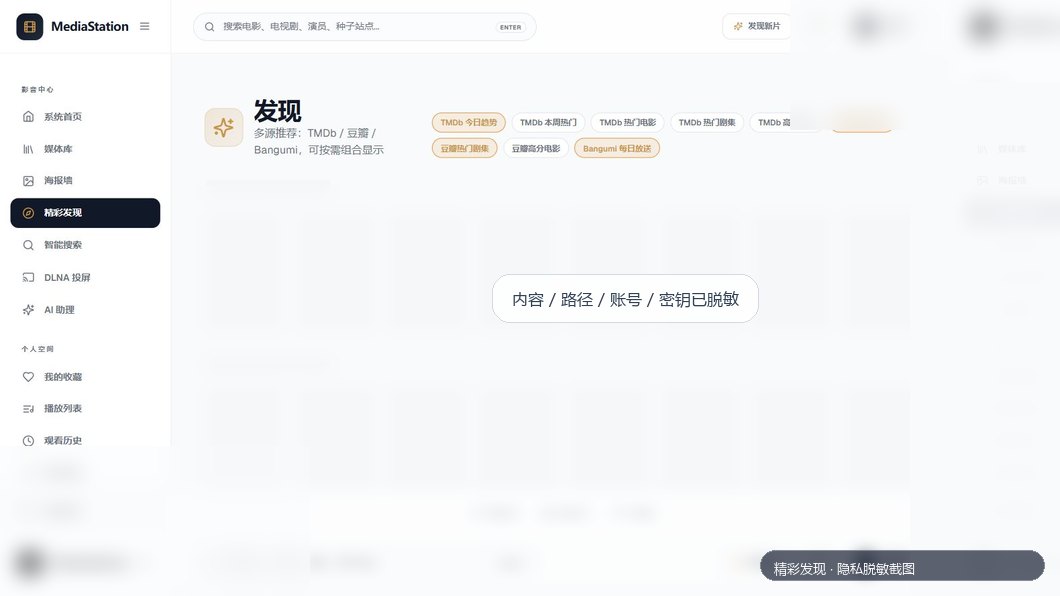
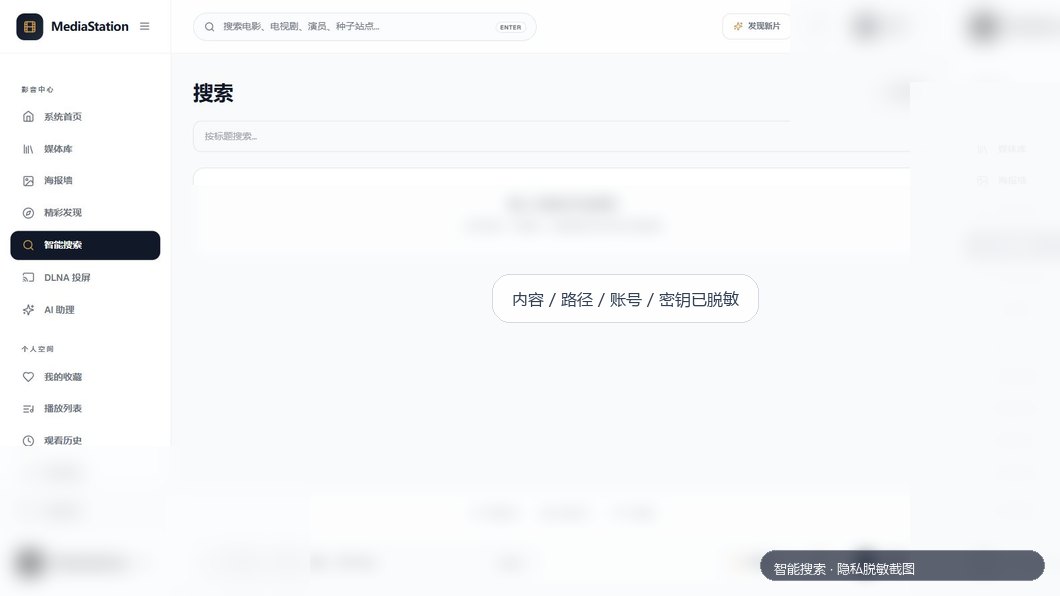
## 🖼️ Screenshots
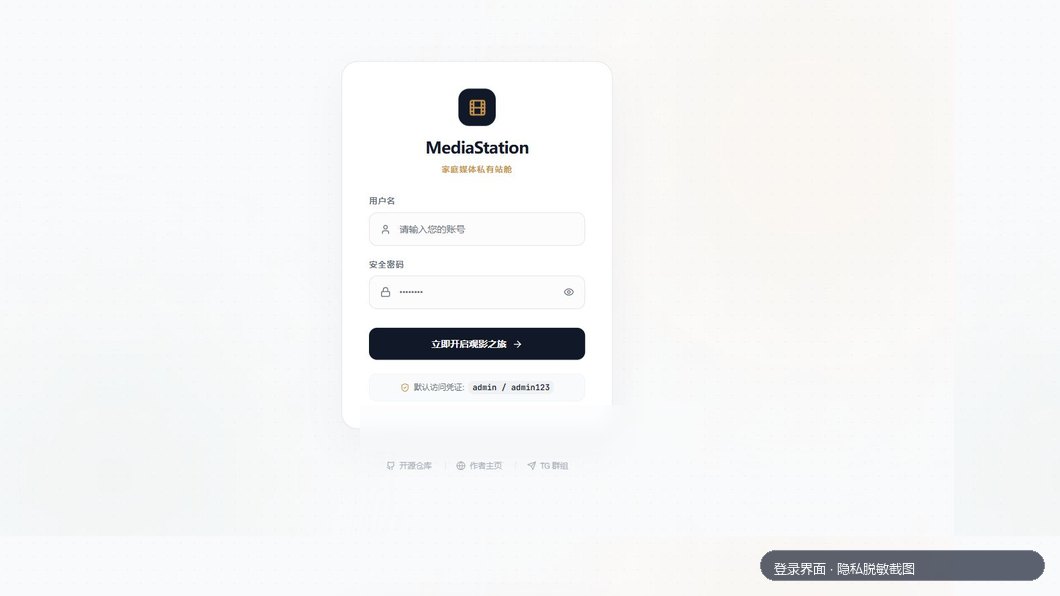
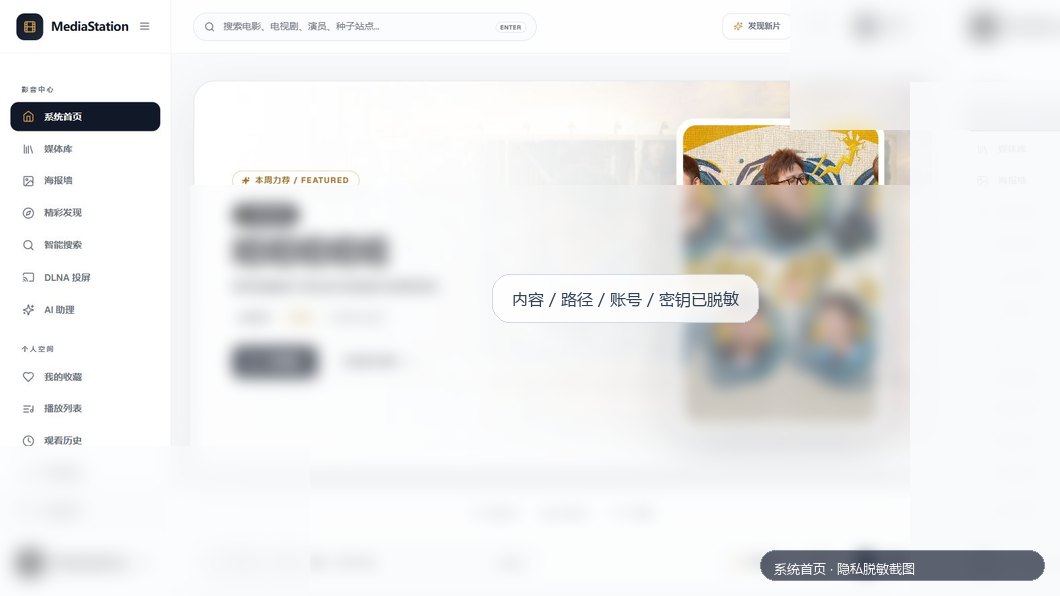
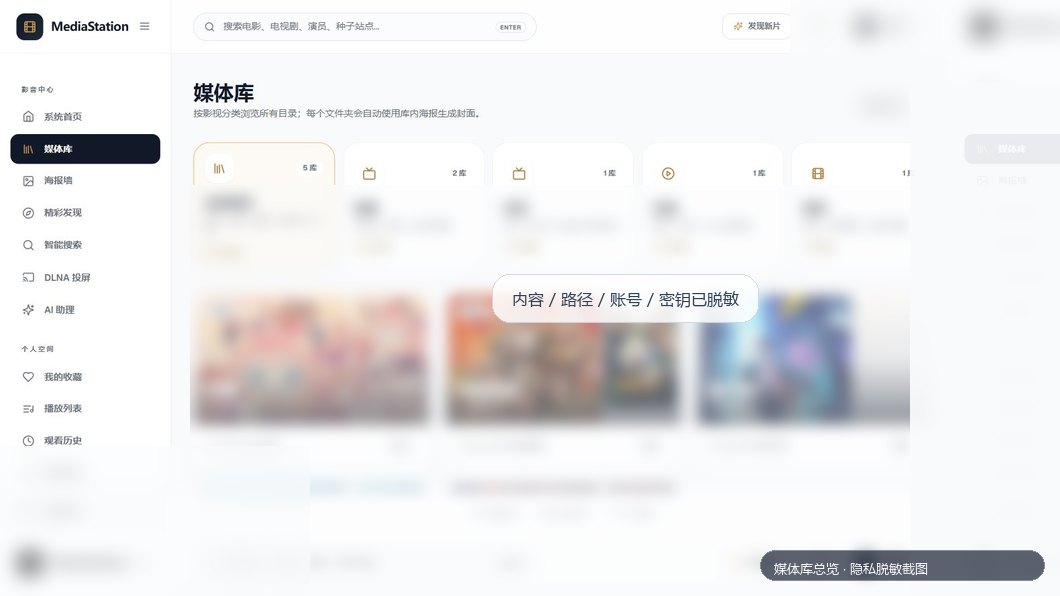
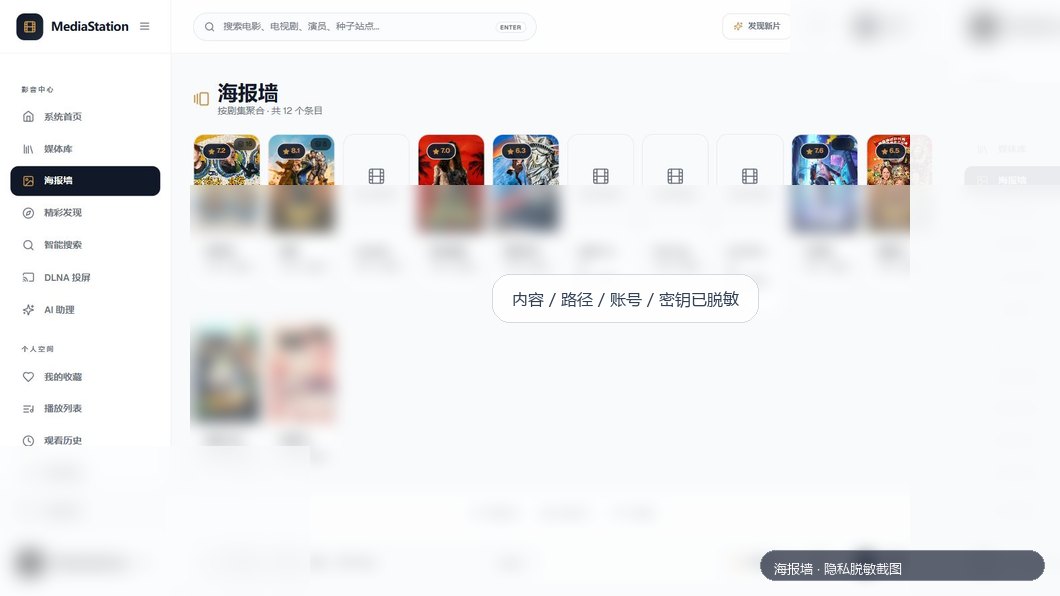
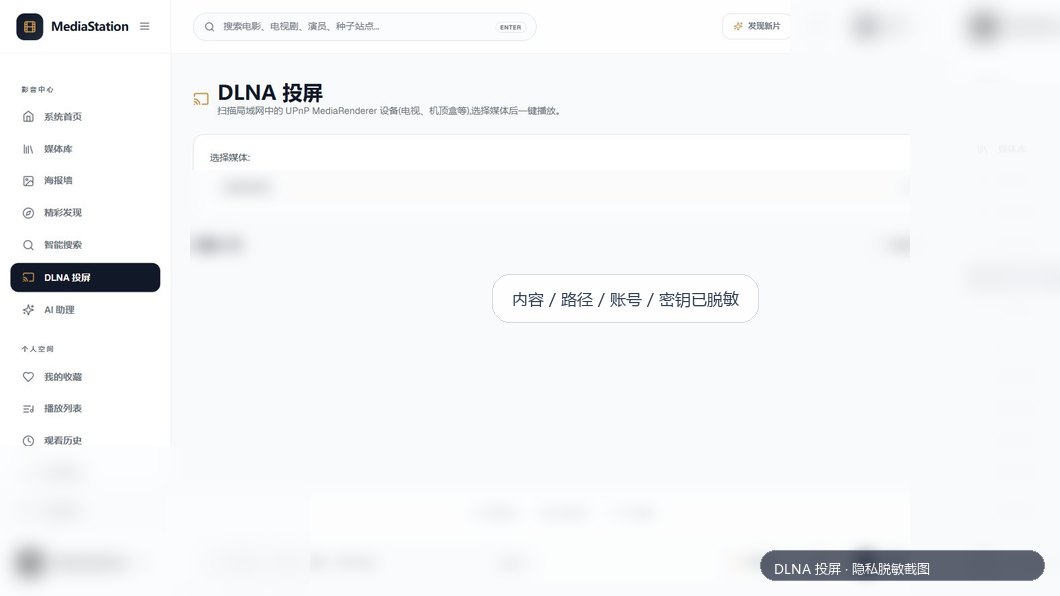
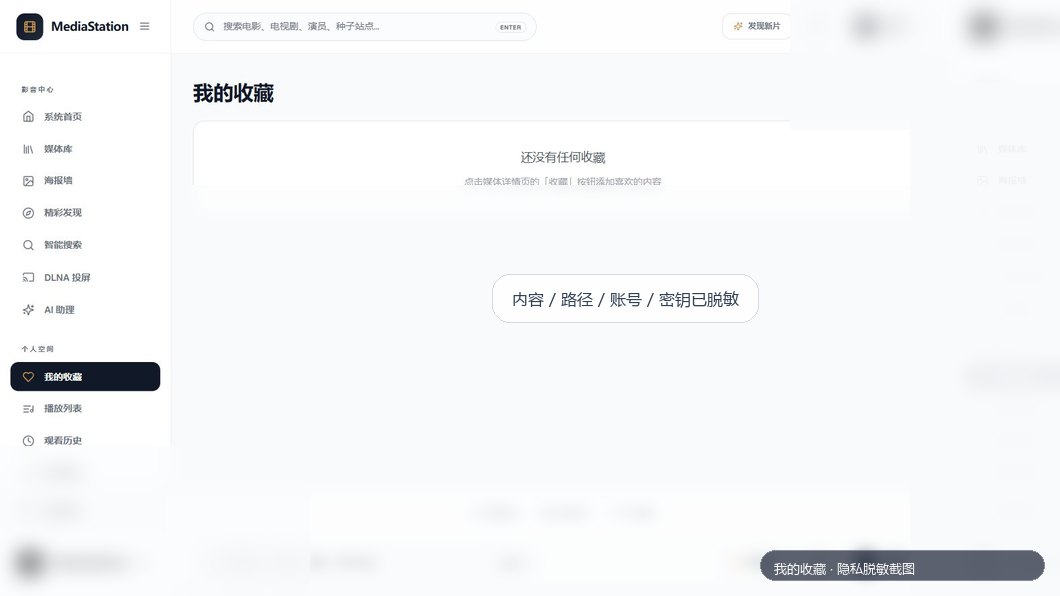
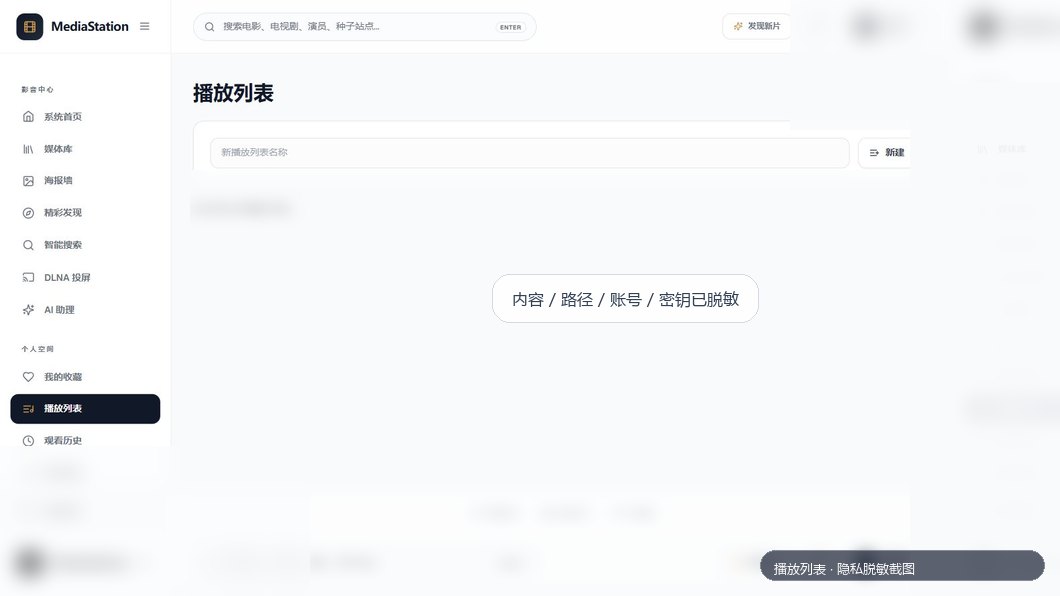
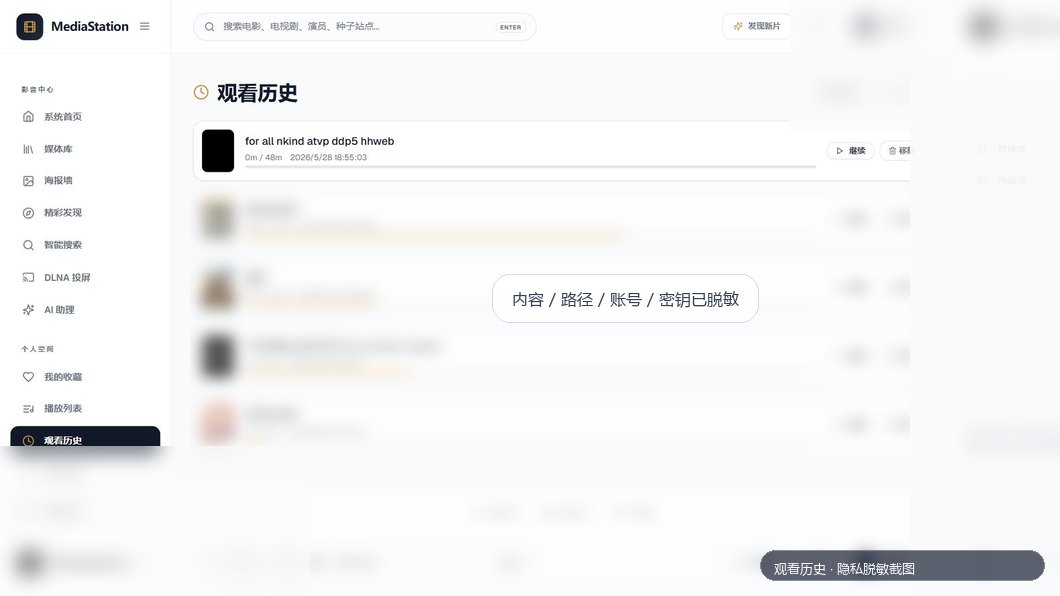
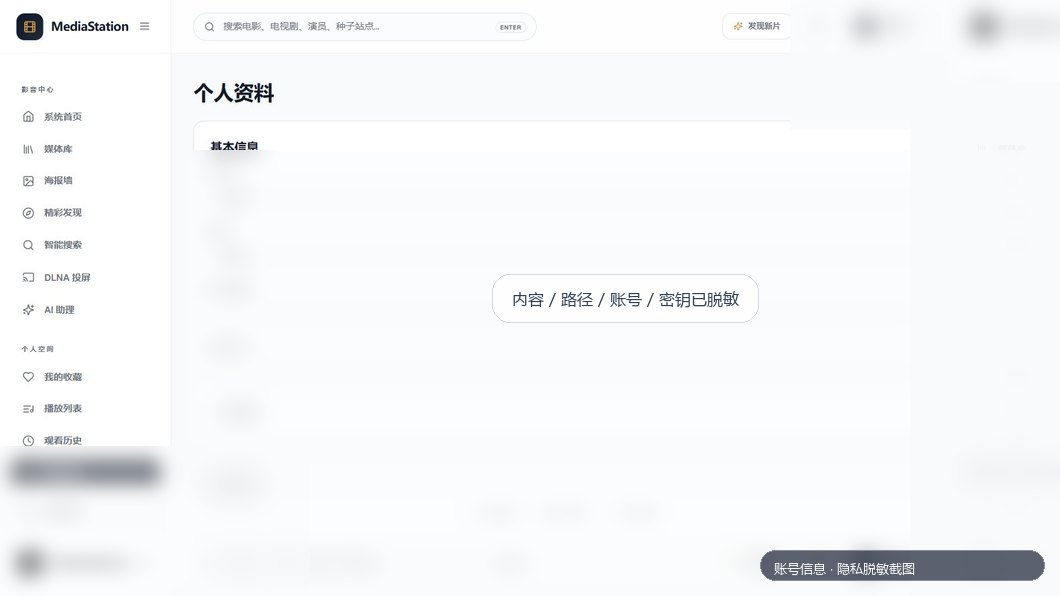
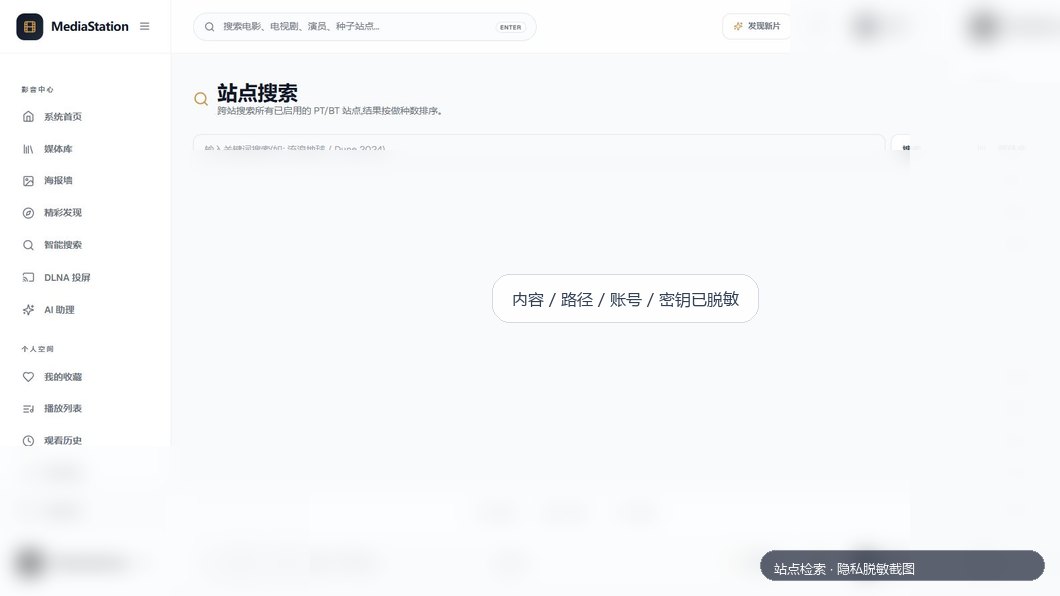
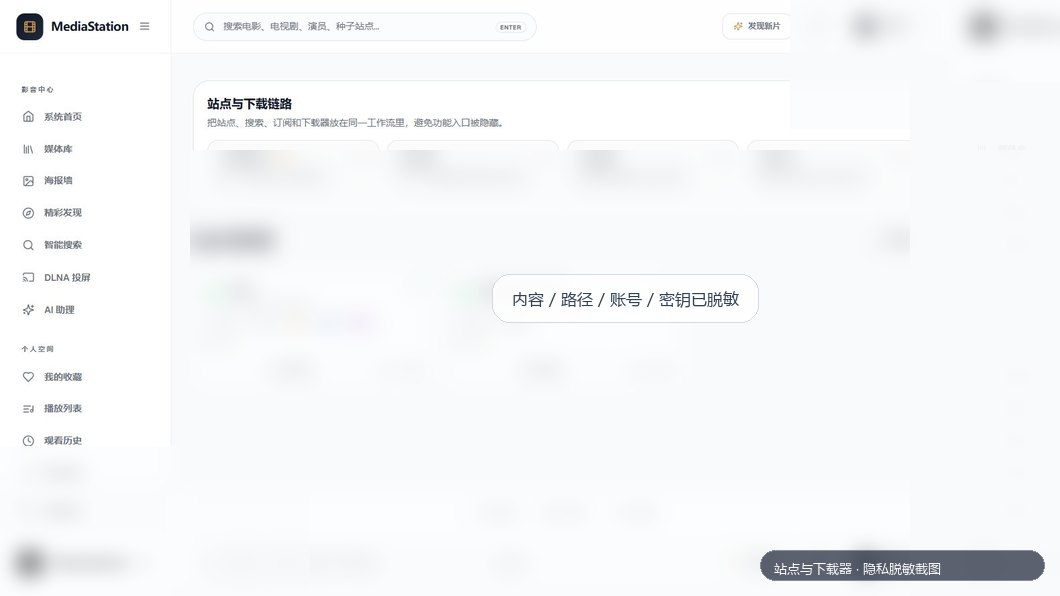
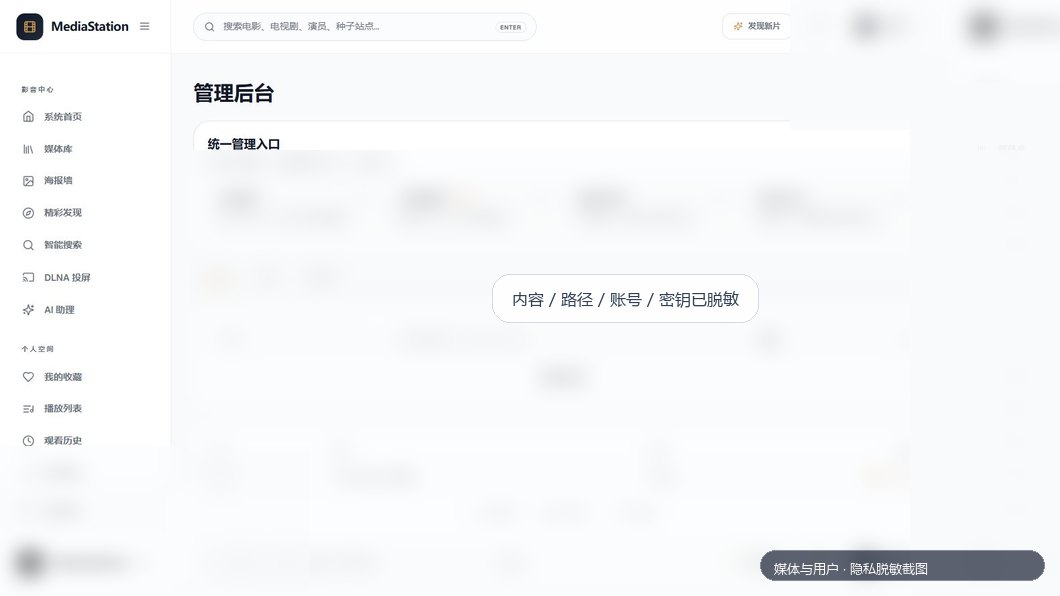
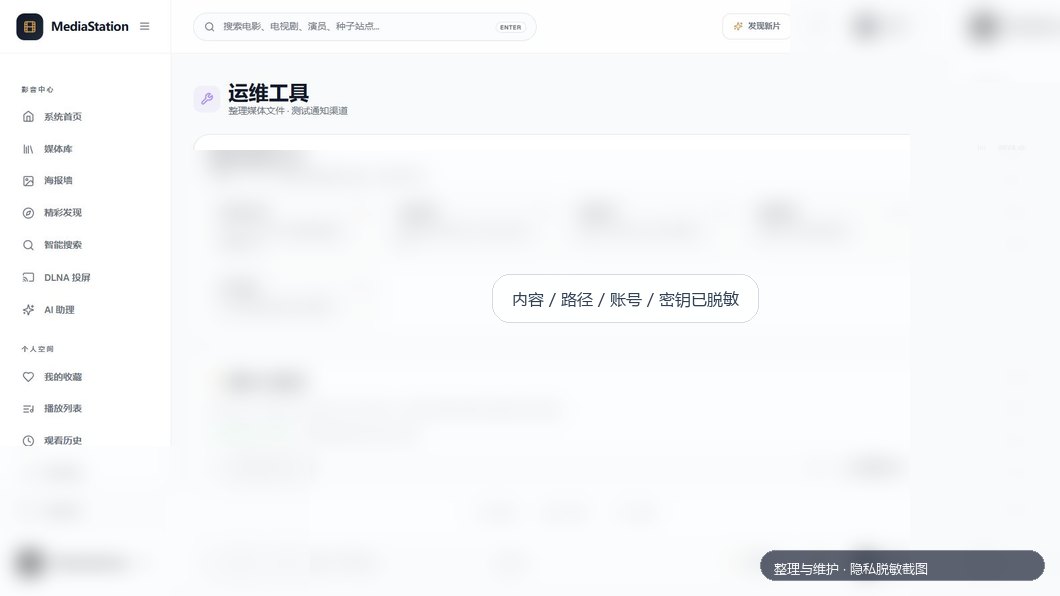
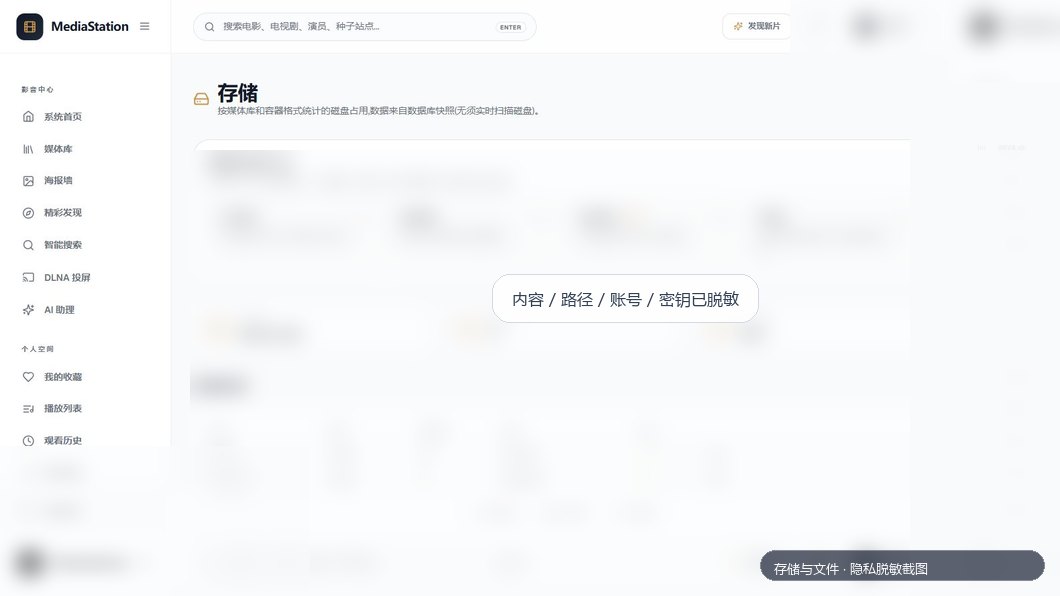
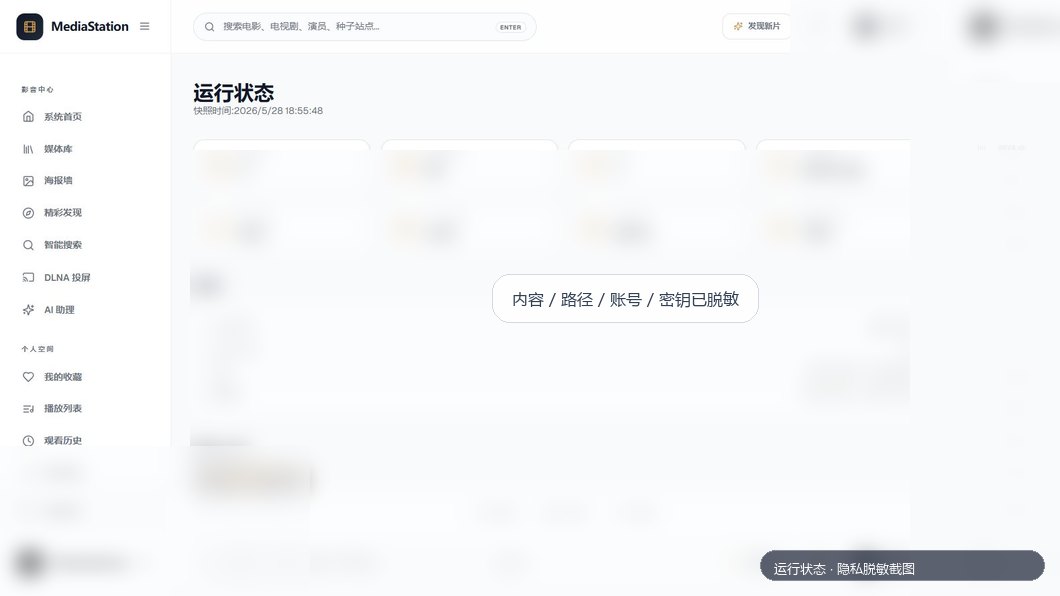
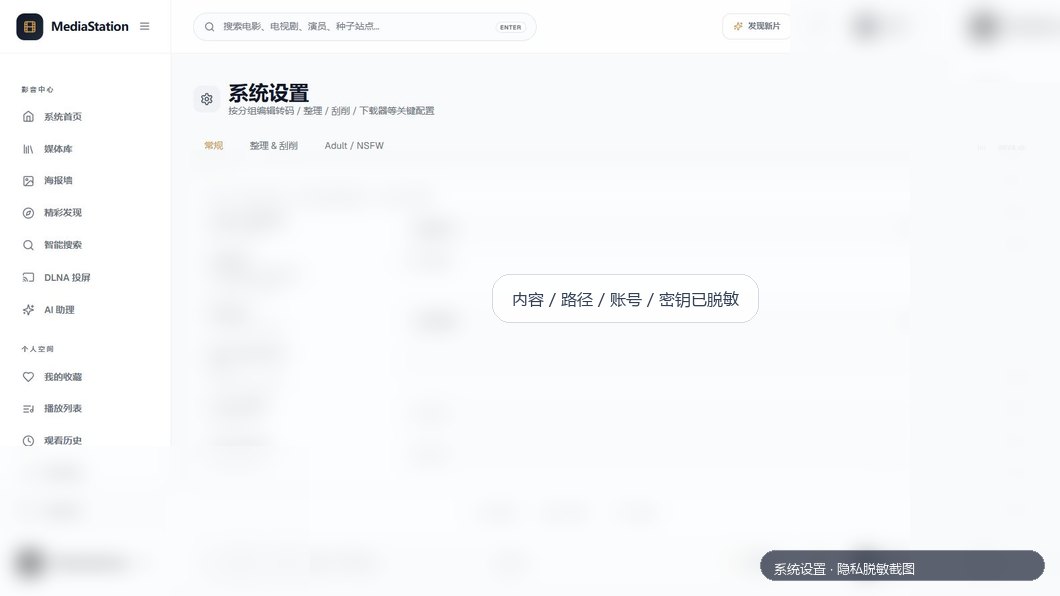
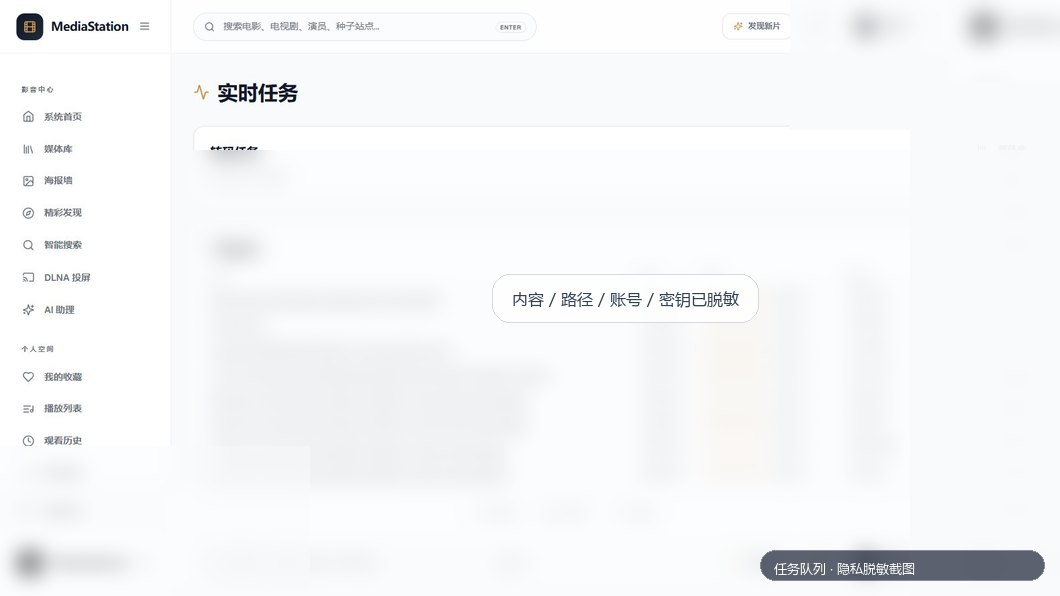
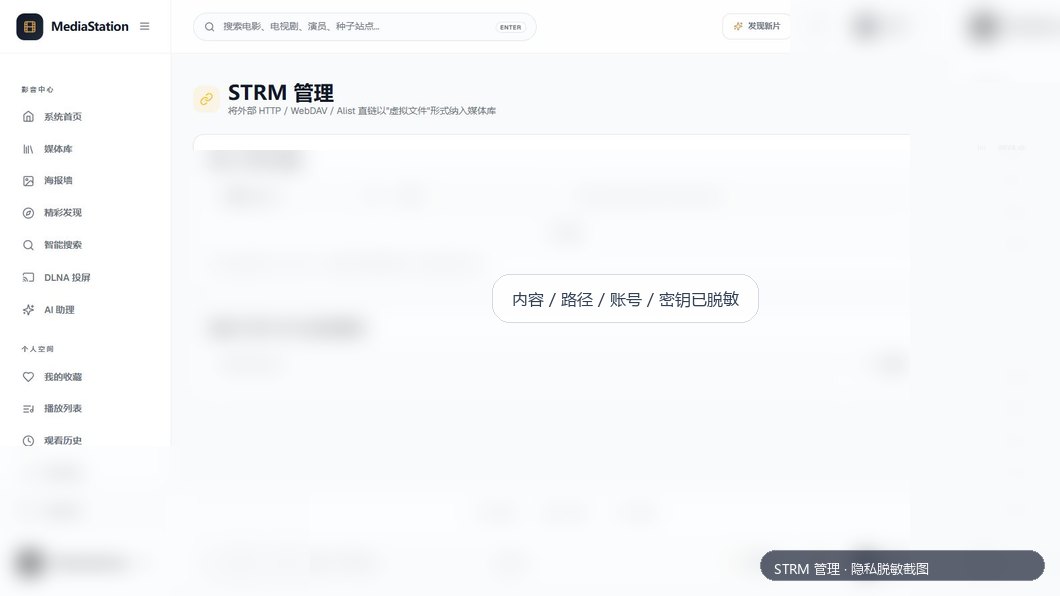
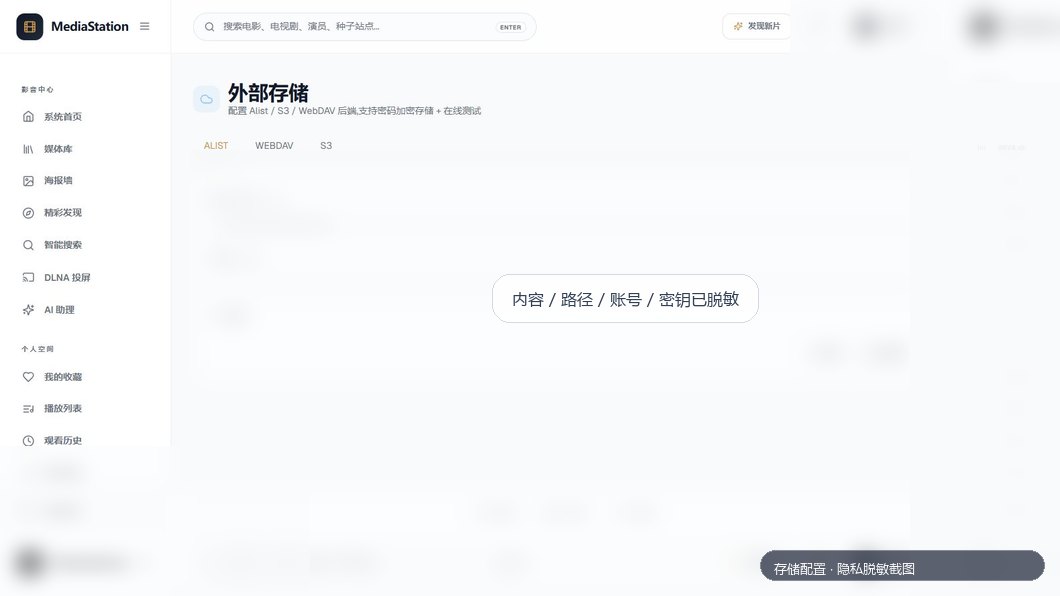
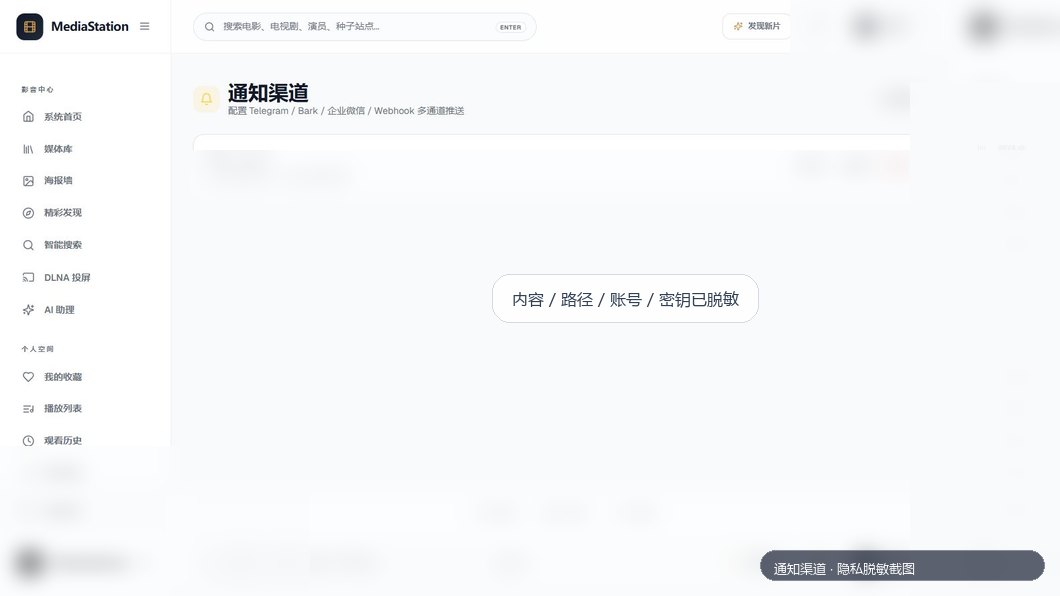
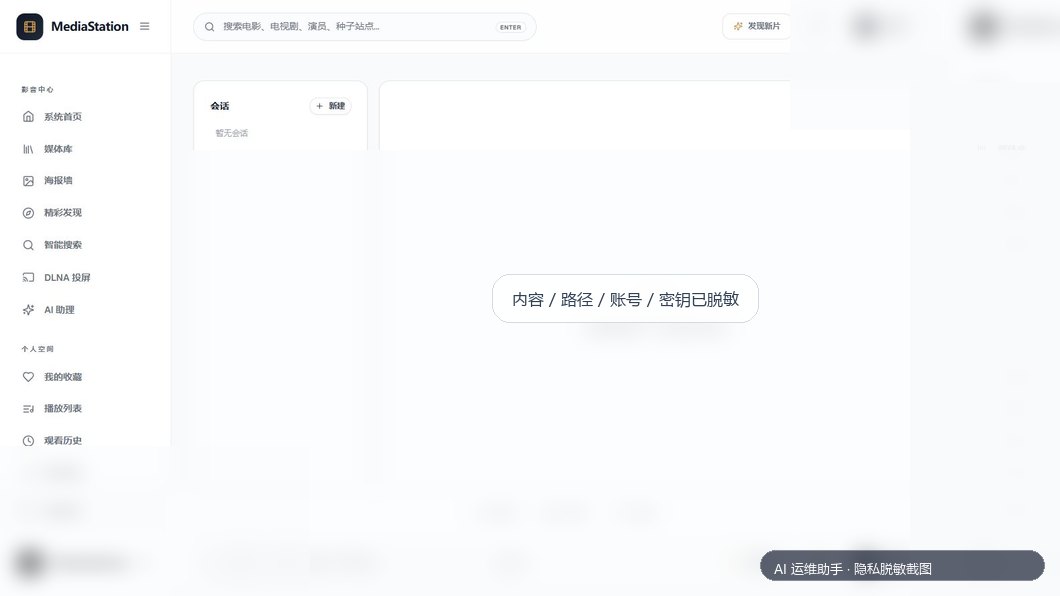
> Screenshots below were captured from a running local instance. Personal media, local paths, accounts, API keys, tokens, and secrets have been visually redacted.
Core Experience
| Login & Home | Library Overview |
| --- | --- |
| | |
| Libraries | Library Detail |
| | |
| Poster Wall | Media Detail |
| | |
| Player | Discover |
| | |
| Smart Search | DLNA Cast |
| | |
Personal Space & Playback
| AI Assistant | Favorites |
| --- | --- |
| | |
| Playlists | Watch History |
| | |
| Profile | Downloads |
| | |
Downloads, Subscriptions & Sites
| Download Clients | Subscriptions |
| --- | --- |
| | |
| Site Search | Sites & Downloaders |
| | |
Administration & Operations
| Media & Users | Tools |
| --- | --- |
| | |
| Storage & Files | Runtime Status |
| | |
| Settings | Tasks |
| | |
| Duplicates | Recycle Bin |
| | |
| Scheduler | File Manager |
| | |
| STRM | Storage Config |
| | |
| Notifications | Operations Assistant |
| | |
---
## 🧱 Tech Stack
| Layer | Technology | Notes |
| --- | --- | --- |
| Backend | Go 1.25+ | Single-binary deployment, low resource usage |
| Web framework | Gin | REST APIs, auth middleware, static file serving |
| Database | SQLite + GORM | Simple backup and migration for personal/NAS usage |
| Frontend | React 18 + TypeScript | Typed component-based UI |
| Build tool | Vite | Fast frontend development and production builds |
| Styling | Tailwind CSS | Unified bright visual system and responsive layout |
| State | Zustand | Lightweight auth and permission state |
| Playback | HTML5 Video / HLS / FFmpeg | Direct play, Range seek, HLS transcoding, subtitles |
| Metadata | TMDb / Douban / Bangumi / TheTVDB / Fanart / JavBus / JavDB | Posters, backdrops, descriptions, ratings, episode metadata |
| Downloads | qBittorrent / PT site adapters | Search, subscriptions, task cards, private URL redaction |
| Compatibility | Emby-style API / DLNA | External clients and player integrations |
| Deployment | Docker / Docker Compose / Shell / PowerShell | NAS, Linux, Windows, and macOS friendly |
| CI/CD | GitHub Actions / GHCR | Multi-arch Docker images and release packages |
---
## 📦 Quick Start
### Docker Compose (Recommended)
Docker is the most stable and portable deployment option. The default compose file creates four main mounts:
| Host path | Container path | Purpose |
| --- | --- | --- |
| `./data` | `/data` | Database, JWT secret, runtime settings. Back this up. |
| `./cache` | `/cache` | Posters, backdrops, scraping cache, transcoding cache |
| `./media` | `/media` | Media library root, mounted read-only by default |
| `./downloads` | `/downloads` | Subscription/site download target |
```bash
git clone https://github.com/ShukeBta/MediaStationGo.git
cd MediaStationGo
docker compose pull
docker compose up -d
```
Open:
```text
http://:18080
```
Default account:
```text
Username: admin
Password: admin123
```
> Change the administrator password immediately after first login.
### Pin a Release Version
For production, pin a specific release tag instead of using `latest`:
```bash
cat > .env <<'EOF'
MEDIASTATION_IMAGE_TAG=MediaStationGo-v0.0.4
MEDIASTATION_HTTP_PORT=18080
MEDIASTATION_MEDIA_DIR=/mnt/nas/media
MEDIASTATION_DOWNLOAD_DIR=/mnt/nas/downloads
MEDIASTATION_DATA_DIR=./data
MEDIASTATION_CACHE_DIR=./cache
TZ=Asia/Shanghai
EOF
docker compose up -d
```
### Media Library Paths
If your compose mounts are:
```yaml
- /mnt/nas/media:/media:ro
- /mnt/nas/downloads:/downloads
```
then add libraries in the web UI using container paths:
| Type | Recommended path |
| --- | --- |
| Movies | `/media/Movies` |
| TV | `/media/TV` |
| Anime | `/media/Anime` |
| Variety | `/media/Variety` |
| Adult | `/media/Adult` |
| Downloaded media | `/downloads/Movies`, `/downloads/TV`, etc. |
### Download Client Paths
If qBittorrent also runs in Docker, make sure qBittorrent and MediaStationGo share the same host directory and use consistent container paths.
Recommended mapping:
```text
Host: /mnt/nas/downloads
MediaStationGo container: /downloads
qBittorrent container: /downloads
```
Subscription save paths can then be:
```text
/downloads/Movies
/downloads/TV
/downloads/Anime
/downloads/Variety
```
---
## 🐳 Docker Compose Configuration
The repository includes a heavily commented `docker-compose.yml`. Common variables:
| Variable | Default | Description |
| --- | --- | --- |
| `MEDIASTATION_IMAGE_TAG` | `latest` | Image tag. Pin a release for production. |
| `MEDIASTATION_HTTP_PORT` | `18080` | Host access port |
| `MEDIASTATION_DATA_DIR` | `./data` | Persistent data directory |
| `MEDIASTATION_CACHE_DIR` | `./cache` | Image and transcoding cache |
| `MEDIASTATION_MEDIA_DIR` | `./media` | Host media library root |
| `MEDIASTATION_DOWNLOAD_DIR` | `./downloads` | Host download target |
| `PUID` / `PGID` | `1000` / `1000` | Linux/NAS file permission mapping |
| `TZ` | `Asia/Shanghai` | Container timezone |
View logs:
```bash
docker logs -f mediastation-go
```
Update:
```bash
docker compose pull
docker compose up -d
```
Stop:
```bash
docker compose down
```
Back up data:
```bash
tar -czf mediastationgo-data-backup.tgz ./data
```
---
## 🖥️ One-Click Deployment Scripts
If you do not want Docker, run MediaStationGo directly on the host. The scripts build the frontend, compile the backend, start the service, and verify `/api/health`.
### Linux / macOS
```bash
git clone https://github.com/ShukeBta/MediaStationGo.git
cd MediaStationGo
chmod +x scripts/deploy.sh
PORT=18080 DATA_DIR=/opt/mediastation/data CACHE_DIR=/opt/mediastation/cache ./scripts/deploy.sh
```
### Windows PowerShell
```powershell
git clone https://github.com/ShukeBta/MediaStationGo.git
cd MediaStationGo
.\scripts\deploy.ps1 -Port 18080 -DataDir D:\MediaStationGo\data -CacheDir D:\MediaStationGo\cache
```
The scripts will:
1. Install frontend dependencies and build `web/dist`
2. Compile the Go backend into `bin/`
3. Create data and cache directories
4. Stop any previous process and start a new one
5. Verify the service through `/api/health`
---
## 🧩 Release Package Deployment
Each release provides multi-platform archives:
| Platform | Package example |
| --- | --- |
| Linux x86_64 | `MediaStationGo-v0.0.4-linux-amd64.tar.gz` |
| Linux ARM64 | `MediaStationGo-v0.0.4-linux-arm64.tar.gz` |
| Windows x86_64 | `MediaStationGo-v0.0.4-windows-amd64.zip` |
| macOS Intel | `MediaStationGo-v0.0.4-darwin-amd64.tar.gz` |
| macOS Apple Silicon | `MediaStationGo-v0.0.4-darwin-arm64.tar.gz` |
Linux example:
```bash
tar -xzf MediaStationGo-v0.0.4-linux-amd64.tar.gz
cd MediaStationGo-v0.0.4-linux-amd64
MEDIASTATION_APP_PORT=18080 ./mediastation-go
```
Windows example:
```powershell
Expand-Archive .\MediaStationGo-v0.0.4-windows-amd64.zip
cd .\MediaStationGo-v0.0.4-windows-amd64
$env:MEDIASTATION_APP_PORT = "18080"
.\mediastation-go.exe
```
> Release binaries listen on `8080` by default. Set `MEDIASTATION_APP_PORT=18080` as shown above if you want the same port as the Docker examples.
---
## 🛠️ Local Development
### Requirements
| Component | Version | Purpose |
| --- | --- | --- |
| Go | 1.25+ | Backend build and tests |
| Node.js | 20+ | Frontend build |
| FFmpeg / ffprobe | Recommended | Media probing and transcoding |
| Docker | Optional | Container deployment and multi-arch builds |
| qBittorrent | Optional | Download integration testing |
### Build Locally
```bash
cp config.example.yaml config.yaml
cd web
npm ci
npm run build
cd ..
go build -o bin/mediastation-go ./cmd/server
./bin/mediastation-go
```
Windows:
```powershell
Copy-Item config.example.yaml config.yaml
Set-Location web
npm ci
npm run build
Set-Location ..
go build -o bin\mediastation-go.exe .\cmd\server
.\bin\mediastation-go.exe
```
### Common Commands
```bash
make build # Build frontend and backend
make test # Run Go tests
make smoke # Smoke test
make docker # docker compose up -d
make deploy # Linux one-click deploy
make docker-push # Multi-arch buildx push
```
---
## 🏗️ Repository Layout
```text
MediaStationGo/
├── cmd/server/ # Server entry point
├── internal/
│ ├── config/ # Config loading and defaults
│ ├── database/ # SQLite initialization and migrations
│ ├── handler/ # HTTP API, Emby API, admin endpoints
│ ├── middleware/ # Auth, permission, logging middleware
│ ├── model/ # GORM models
│ ├── repository/ # Data access layer
│ └── service/ # Scanner, scraper, playback, downloads, subscriptions
├── web/
│ ├── public/ # favicon and static public assets
│ ├── src/ # React pages, components, API clients, stores
│ └── dist/ # Frontend build output, ignored by git
├── scripts/ # Deploy, package, Docker scripts
├── docs/ # Design docs, screenshots, architecture notes
├── docker-compose.yml # Default Docker Compose deployment
├── Dockerfile # Multi-stage image build
├── config.example.yaml # Config template
└── README.md / README_EN.md # Documentation
```
---
## ⚙️ Configuration
Configuration precedence, from low to high:
1. Built-in defaults
2. `config.yaml`
3. `config/*.yaml`
4. `MEDIASTATION_` environment variables
5. Runtime settings stored in the database
Common variables:
| Variable | Default | Description |
| --- | --- | --- |
| `MEDIASTATION_APP_HOST` | `0.0.0.0` | Listen address |
| `MEDIASTATION_APP_PORT` | `8080` | Listen port |
| `MEDIASTATION_APP_WEB_DIR` | `./web/dist` | Frontend static bundle |
| `MEDIASTATION_APP_DATA_DIR` | `./data` | App data directory |
| `MEDIASTATION_DATABASE_DB_PATH` | `./data/mediastation.db` | SQLite database path |
| `MEDIASTATION_CACHE_CACHE_DIR` | `./cache` | Image/transcode cache |
| `MEDIASTATION_SECRETS_JWT_SECRET` | Auto-generated | JWT and encrypted settings seed |
| `MEDIASTATION_APP_CORS_ORIGINS` | empty | Extra CORS origins |
Runtime settings from the admin UI:
- API keys: TMDb, Bangumi, TheTVDB, Fanart, OpenAI Compatible.
- Sites: M-Team, NexusPHP, Unit3D, custom RSS.
- Download clients: qBittorrent, Transmission, Aria2.
- Notifications: Telegram, Bark, Webhook, Email.
- Playback profiles, permissions, scheduler tasks, storage settings.
---
## 🔍 Metadata Strategy
MediaStationGo avoids unnecessary repeated scraping and tries not to overwrite good local metadata:
1. Read local NFO, poster, fanart, season poster, and episode images first.
2. Parse media type, title, year, season, and episode from file paths.
3. Fill missing data through TMDb, TheTVDB, Bangumi, and Douban.
4. Use Fanart.tv for higher-quality artwork when available.
5. Adult content prefers local NFO/images, then enriches from public JavBus/JavDB pages.
6. Existing local metadata is not blindly overwritten.
Recommended layout:
```text
/media/Movies/Inception (2010)/Inception (2010).mkv
/media/TV/Some Show/Season 01/Some Show S01E01.mkv
/media/Anime/Anime Title/Season 01/Anime Title S01E01.mkv
/media/Variety/Show Name/Season 2026/Show Name S2026E01.mkv
/media/Adult/ABCD-123/ABCD-123.mp4
```
Common local artwork names:
```text
poster.jpg
fanart.jpg
folder.jpg
season01-poster.jpg
S01E01-thumb.jpg
movie.nfo
tvshow.nfo
episode.nfo
```
---
## 🔎 Discovery, Search & Subscriptions
### Multi-source discovery
Discover supports:
- TMDb: trending, popular movies, popular TV, top-rated movies.
- Douban: hot movies, top movies, hot TV.
- Bangumi: calendar and anime entries.
### Smart search
Smart search can combine:
- Existing local library content.
- Online results from TMDb, Douban, and Bangumi.
- Subscription keywords and media types.
### Subscription rules
| Rule | Description |
| --- | --- |
| Media type | Movie, TV, anime, variety, or auto-detect |
| Search mode | Keyword or IMDB ID |
| Resolution | Best, 2160p, 1080p, 720p |
| Quality | REMUX, BluRay, WEB-DL, HDTV |
| Effects | HDR, Dolby Vision, Atmos |
| Release groups | Preferred release groups |
| Exclude words | Filter CAM, TS, low-quality releases |
| Wash | Disabled by default; can prioritize resolution, quality, effects, or seeders |
Download and subscription cards show only safe display metadata such as title, poster, speed, progress, and size. Raw torrent URLs are hidden to prevent tracker token leaks in multi-user deployments.
---
## 🔌 External Clients & Emby Compatibility
MediaStationGo exposes Emby/Jellyfin-style APIs for clients such as:
- Infuse
- VidHub
- SenPlayer
- Other Emby/Jellyfin-compatible players
Server URL:
```text
http://:18080
```
If a client cannot connect, check:
1. Docker port mapping, typically `18080:8080`.
2. Firewall access from LAN to port `18080`.
3. Username/password.
4. Reverse proxy handling of `/api`, video streams, and Range requests.
### Functional Reference to MoviePilot
For external-client compatibility and media workflow integration, MediaStationGo references MoviePilot's mature product direction: a unified media library, subscription downloads, post-download organization, and Emby/Jellyfin-compatible APIs that connect the Web management interface with clients such as Infuse, VidHub, and SenPlayer. MediaStationGo does not aim to replace Emby/Jellyfin; instead, it provides the common browsing, playback, poster wall, season/episode hierarchy, progress tracking, and external-client access capabilities inside a lightweight Go service.
Current compatibility focus:
- Library, collection, season, and episode hierarchy output.
- Basic metadata output such as posters, backdrops, descriptions, year, and ratings.
- Stream URLs, HTTP Range support, playback progress, and resume.
- Emby/Jellyfin-style endpoints required for external-client login, browsing, and playback.
Still being improved:
- More complete Emby/Jellyfin device capability negotiation.
- More detailed transcoding profiles and subtitle capability declarations.
- Multi-user permissions, library filtering, and playback-history synchronization.
- Closed-loop integration with subscriptions, post-download organization, and upgrade rules.
> MoviePilot is licensed under GPL-3.0. MediaStationGo references its public product ideas and interaction patterns only, and does not copy private data, secrets, tracker accounts, or incompatible implementations.
---
## 🧠 AI and External Services
Configure external services in the admin UI:
| Service | Purpose |
| --- | --- |
| TMDb | Movie/TV posters, backdrops, descriptions |
| Bangumi | Anime and Chinese anime metadata |
| TheTVDB | Additional TV/season/episode metadata |
| Fanart.tv | High-quality logos and artwork |
| Douban | Chinese movie/TV search and recommendation supplement |
| OpenAI Compatible | AI search, recommendations, operations assistant |
For M-Team, use an API Access Token:
```text
Control Panel → Lab → Access Token
HTTP Header: x-api-key
```
Avoid using cookies for open API calls to reduce account risk.
---
## 🧪 Build, Package and Publish
### Docker image
Default images:
```text
ghcr.io/shukebta/mediastation-go:latest
ghcr.io/shukebta/mediastation-go:MediaStationGo-v0.0.4
```
Linux/macOS push:
```bash
docker login ghcr.io
IMAGE=ghcr.io/shukebta/mediastation-go TAG=MediaStationGo-v0.0.4 ./scripts/docker-build-push.sh
```
Windows push:
```powershell
docker login ghcr.io
.\scripts\docker-build-push.ps1 -Image ghcr.io/shukebta/mediastation-go -Tag MediaStationGo-v0.0.4
```
Local build only:
```powershell
.\scripts\docker-build-push.ps1 -Tag dev -Load
```
### Release packages
```bash
VERSION=MediaStationGo-v0.0.4 ./scripts/package-release.sh
```
GitHub Actions automatically builds release packages and SHA256 checksums when a `MediaStationGo-v*` tag is pushed.
> If immutable releases are enabled, same-name assets should not be overwritten. The workflow uses `overwrite_files: false` to avoid deleting immutable assets on reruns.
---
## 🔐 Privacy and Safety
The repository ignores personal/runtime data by default:
- `data/`, `cache/`, `logs/`
- `.tmp-deploy-data/`, `.tmp-deploy-server.*`
- `.mediastation.pid`
- `config.yaml`, `.env*`
- `*.db`, `*.db-wal`, `*.log`
- `web/dist/`, `node_modules/`, `bin/`
- API keys, cookies, tokens, passwords, certificates, and secret files
Before pushing, run:
```bash
git status --short
git ls-files | grep -E 'data/|cache/|\.db|\.log|jwt_secret|config.yaml|\.env|token|apikey|password' || true
```
---
## ❓ FAQ
### The Docker deployment starts but the browser cannot open the site.
Check container status and logs:
```bash
docker ps
docker logs -f mediastation-go
```
Use the host port, usually `http://:18080`.
### External clients report that the server does not respond.
Check firewall rules, Docker port mappings, reverse proxy configuration, and LAN access to `18080`. The container listens on `8080`; the host default is `18080`.
### Posters are missing.
Check:
1. Local `poster.jpg`, `fanart.jpg`, and NFO files.
2. TMDb / Bangumi / Douban connectivity.
3. Proxy settings if the host is behind a restricted network.
4. Whether file names contain clear title, year, season, and episode information.
### Why are raw download URLs hidden?
PT download URLs often include private tokens. Download and subscription views intentionally hide raw URLs and only show safe metadata such as title, poster, speed, progress, and size.
### Which Docker package should be kept?
Keep `ghcr.io/shukebta/mediastation-go`. The old `mediastationgo` package can be removed to avoid users pulling the wrong image.
---
## 🗺️ Roadmap
- Broader Emby/Jellyfin client compatibility.
- Stronger adult metadata handling from local files and public pages.
- More granular subscription wash and post-download organization rules.
- Better mobile and TV interaction patterns.
- Plugin-style site adapters and notification providers.
- More end-to-end tests and automated screenshot generation.
---
## 🤝 Contributing
Issues, pull requests, site adapters, scraping rules, UI improvements, and documentation fixes are welcome.
Before submitting changes, please run:
```bash
go test ./...
cd web && npm run build
```
---
## 👥 Developer Group
- Telegram:
---
## 🍜 Donation
If MediaStationGo saves you time, feel free to buy the author a bowl of noodles.
---
## ⭐ Star History
---
## 📄 License and Non-Commercial Statement
This project uses `GPL-3.0` as its base license. See [LICENSE](LICENSE) for details. The maintainers also state and request the following usage boundary:
- The project is intended for personal learning, home NAS, self-hosted media, non-commercial research, and community collaboration.
- Without explicit written permission from the author, do not use this project or derivative versions for commercial resale, paid hosting, paid SaaS, pre-installed commercial devices, closed-source redistribution, or other profit-oriented commercial use.
- For commercial cooperation, enterprise deployment, custom development, integrated redistribution, or commercial authorization, contact the author first to confirm the authorization scope.
- If there is any interpretive difference between the README non-commercial statement and the formal `GPL-3.0` license text, the code license is governed by [LICENSE](LICENSE); commercial usage should additionally obtain author permission.
---






 |
|  |
| Libraries | Library Detail |
|
|
| Libraries | Library Detail |
|  |
|  |
| Poster Wall | Media Detail |
|
|
| Poster Wall | Media Detail |
|  |
|  |
| Player | Discover |
|
|
| Player | Discover |
|  |
|  |
| Smart Search | DLNA Cast |
|
|
| Smart Search | DLNA Cast |
|  |
|  |
|
 |
|  |
| Playlists | Watch History |
|
|
| Playlists | Watch History |
|  |
|  |
| Profile | Downloads |
|
|
| Profile | Downloads |
|  |
|  |
|
 |
|  |
| Site Search | Sites & Downloaders |
|
|
| Site Search | Sites & Downloaders |
|  |
|  |
|
 |
|  |
| Storage & Files | Runtime Status |
|
|
| Storage & Files | Runtime Status |
|  |
|  |
| Settings | Tasks |
|
|
| Settings | Tasks |
|  |
|  |
| Duplicates | Recycle Bin |
|
|
| Duplicates | Recycle Bin |
| 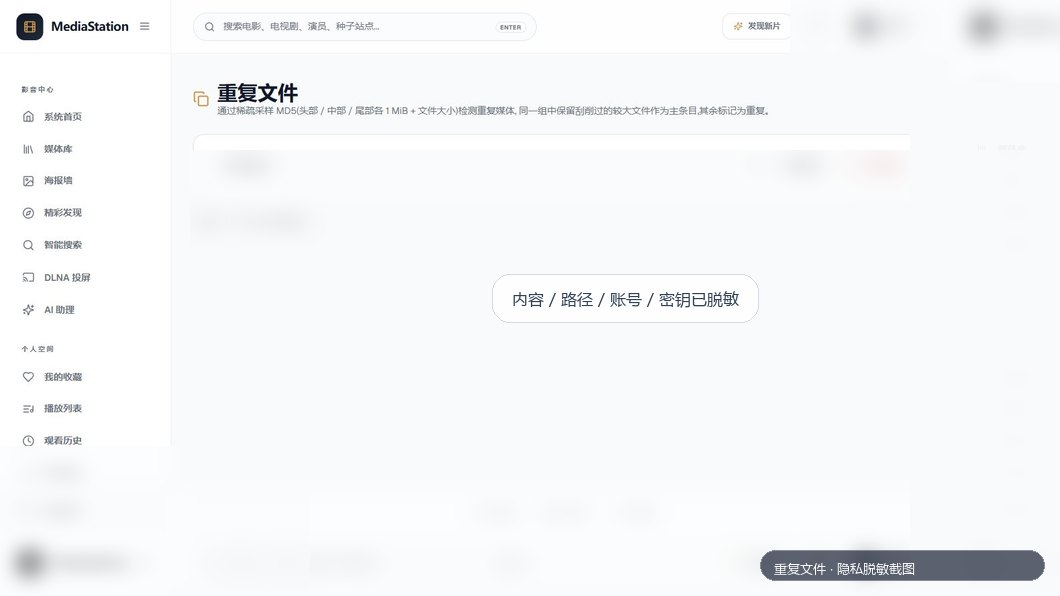 |
| 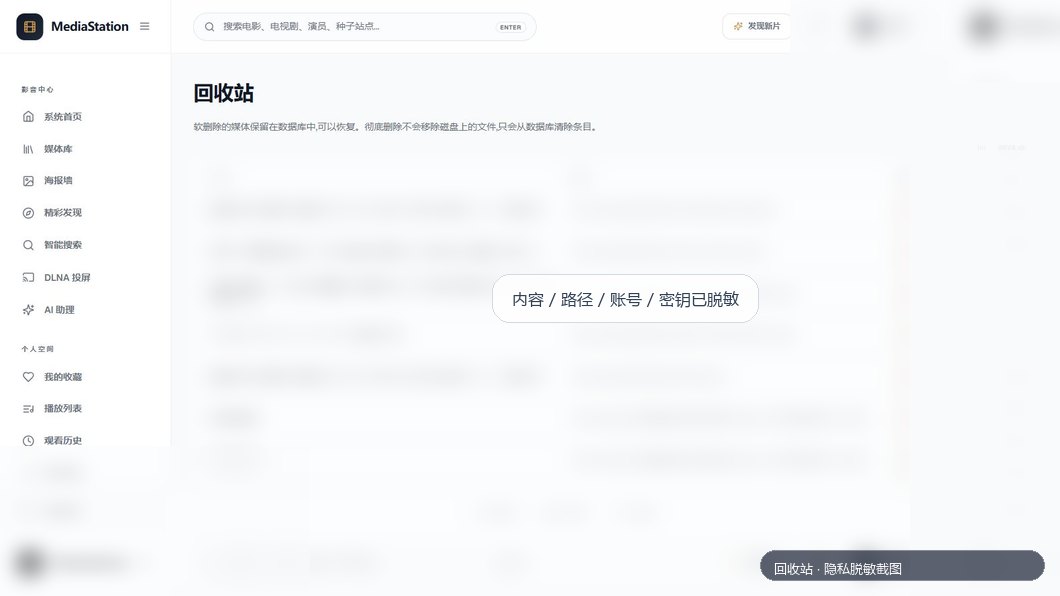 |
| Scheduler | File Manager |
|
|
| Scheduler | File Manager |
| 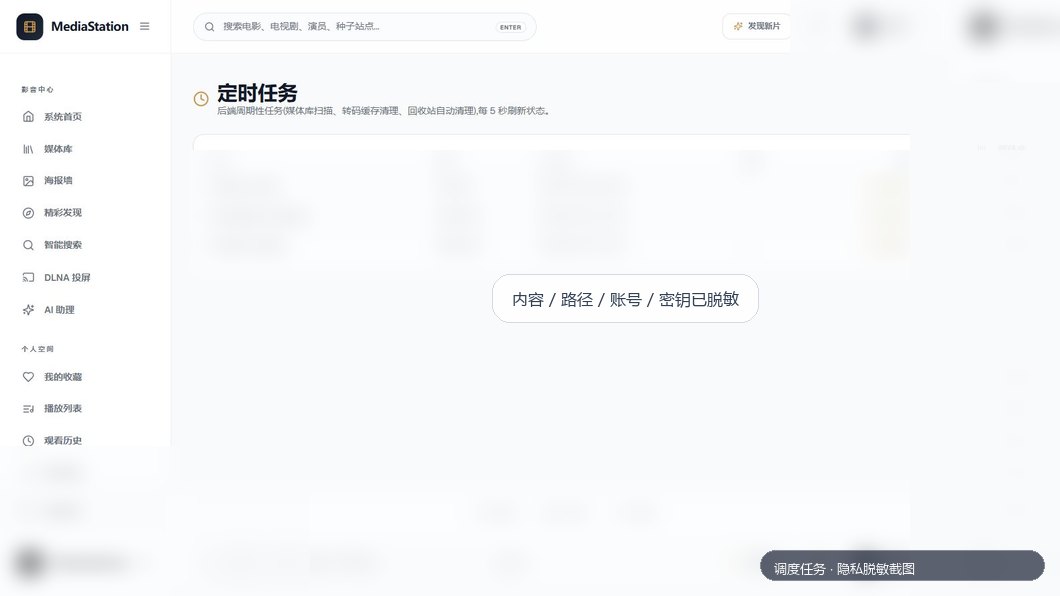 |
| 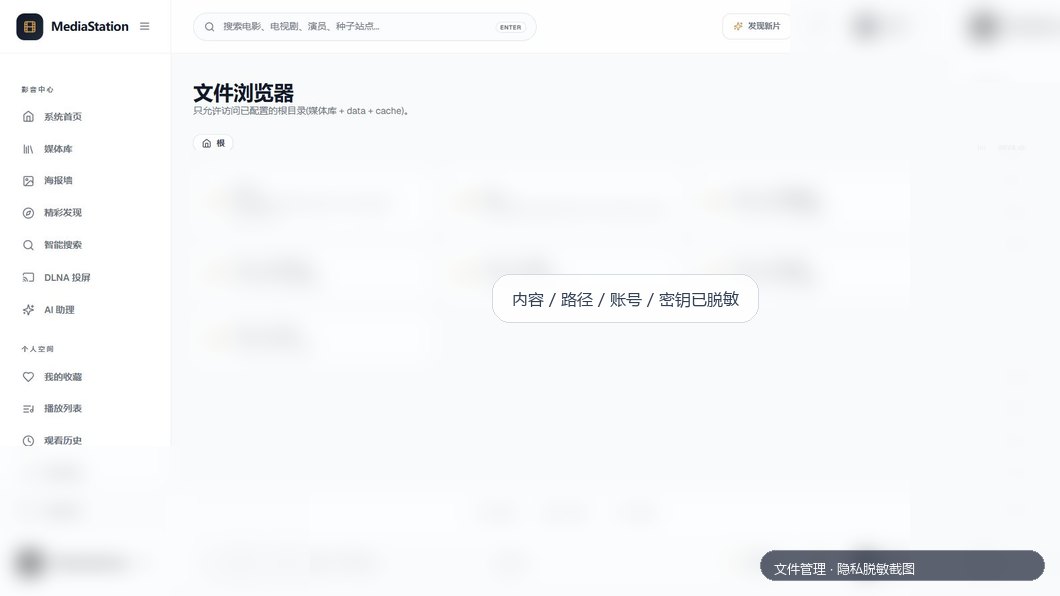 |
| STRM | Storage Config |
|
|
| STRM | Storage Config |
|  |
|  |
| Notifications | Operations Assistant |
|
|
| Notifications | Operations Assistant |
|  |
|  |
|